SpotiDuck v1.2.0 Latest Version [Premium Unlocked] for Android

SpotiDuck
Screenshots
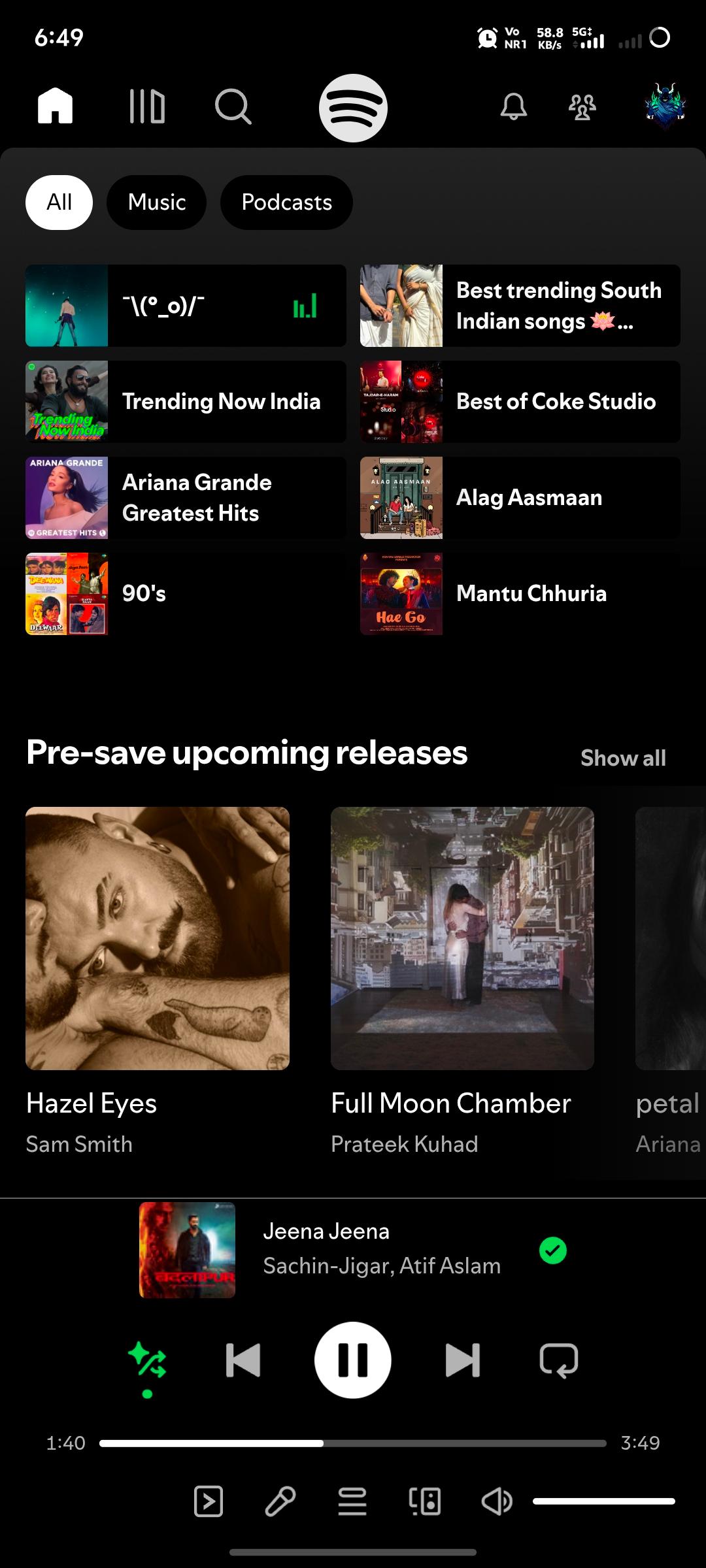
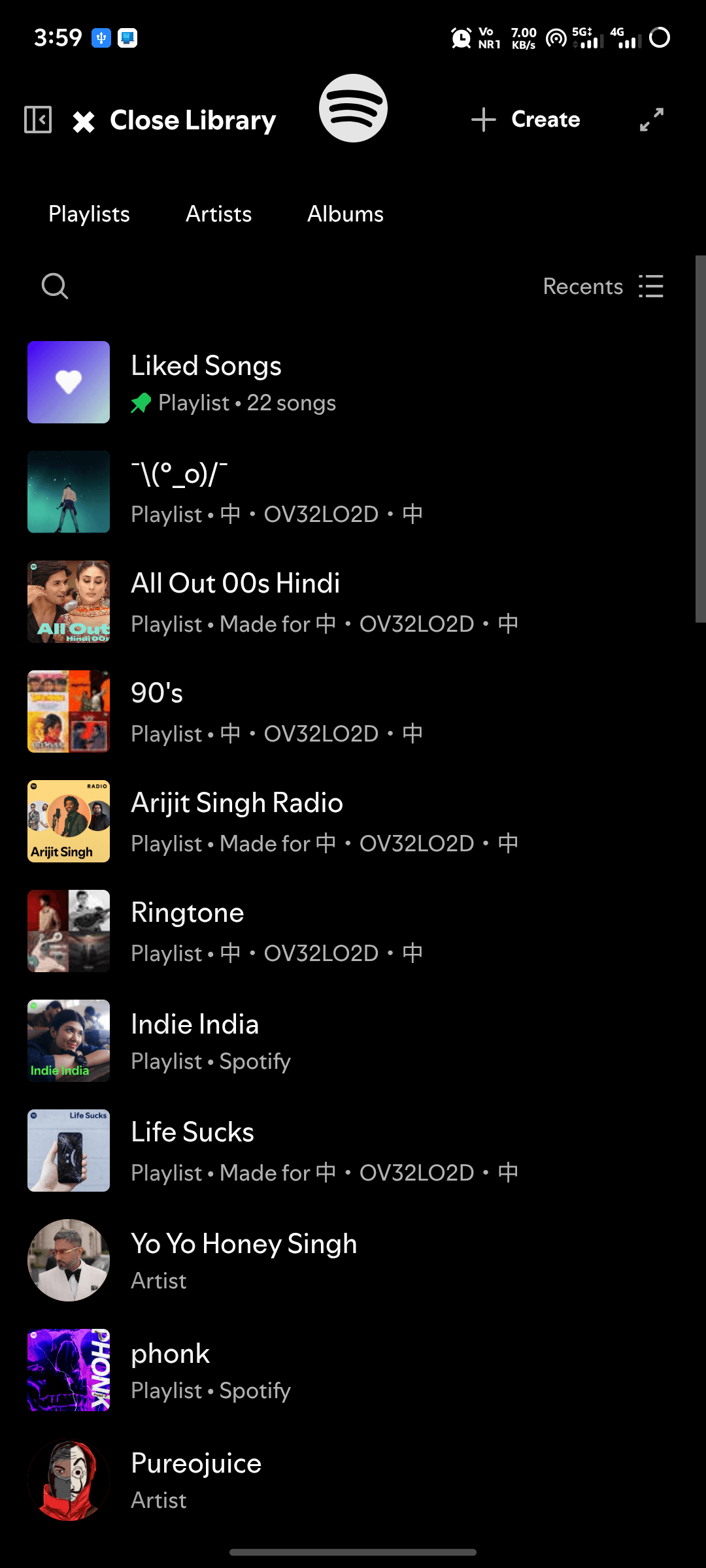
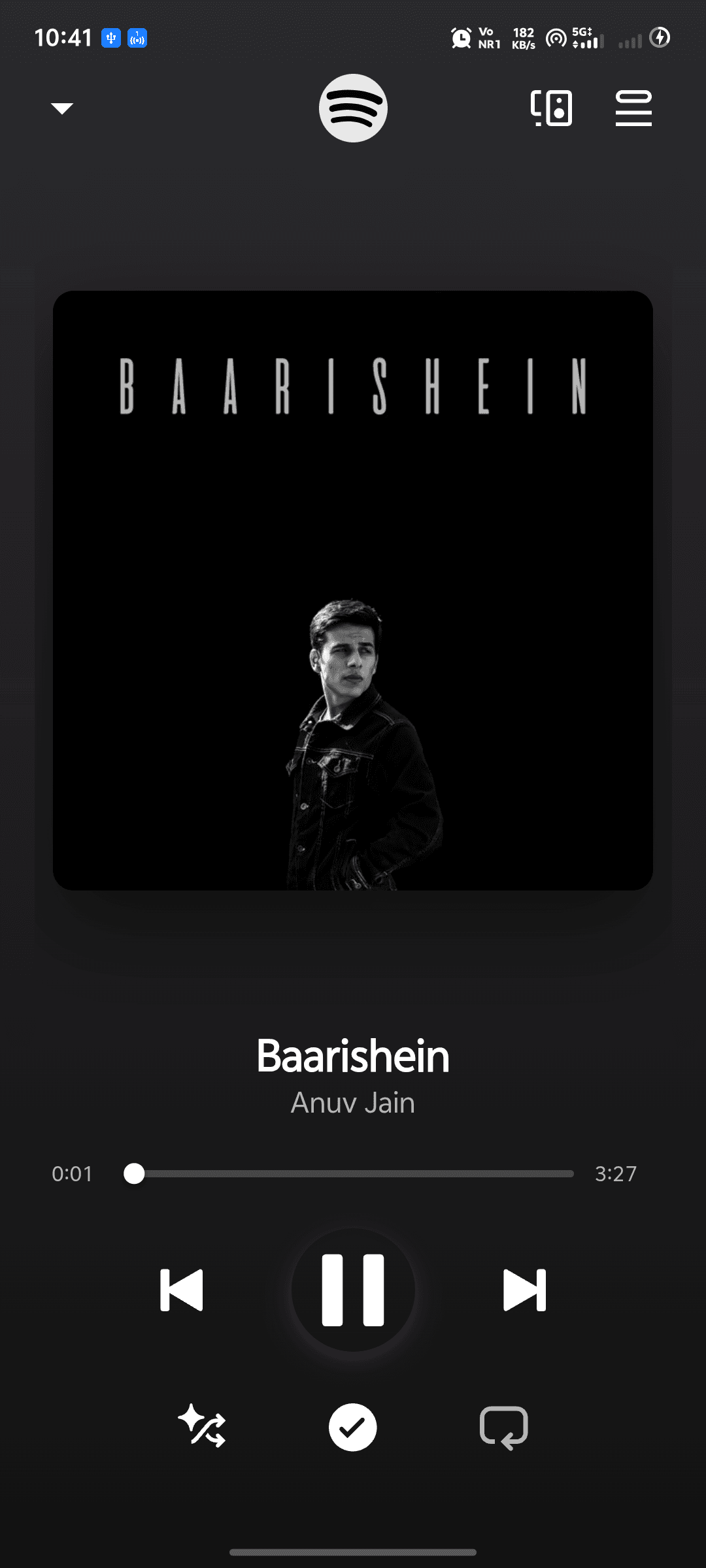
SpotiDuck APK: Features, Latest Updates, Safety, Installation & User Testing
| Details | Information |
|---|---|
| App Name | SpotiDuck |
| Platform | Android |
| App Type | Spotify Web Player wrapper |
| Technology | Android WebView |
| Latest public build found | latest-beta |
| Latest build date found | August 9, 2026 |
| Ad blocking | Built in |
| Background playback | Supported |
| Android Auto | Supported |
| Widgets | Supported |
| Root Required | No |
| Source | Official GitHub repository |
| License | GPL-3.0 |
| Spotify Affiliation | Not an official Spotify app |
Important: SpotiDuck is an unofficial application. Its developers specifically recommend obtaining builds only from the project’s official GitHub repository because APKs distributed elsewhere cannot be assumed to be genuine.
Introduction
SpotiDuck is an Android application designed to bring the Spotify Web Player experience into a dedicated Android interface. Instead of being a modified version of Spotify’s native application, it uses an optimized WebView to load the web-based Spotify experience and adds Android-specific controls.
According to its official repository, the project includes built-in ad blocking, background playback controls, lock-screen media controls, widgets and Android Auto integration.
This makes SpotiDuck interesting for Android users who prefer a lightweight WebView approach rather than installing a heavily modified Spotify APK.
However, it is important to understand that SpotiDuck is not developed or endorsed by Spotify. Compatibility can also change when Spotify changes its web player or authentication system.
APK Details
The project does not follow the same model as a conventional “Spotify Premium MOD APK.” It is primarily a WebView wrapper around Spotify’s web experience.
The public GitHub releases page currently lists a latest beta build, identified as latest-beta, with the displayed release date of August 9, 2026. Because the project uses rolling development builds, readers should check the official release page for the newest available file rather than relying on an old APK mirrored elsewhere.
Official source: SpotiDuck GitHub repository
Official releases: SpotiDuck Releases
What’s New?
The latest publicly listed release information shows a rolling beta build updated on August 9, 2026. The repository describes SpotiDuck as an actively developed project rather than a traditional app with a predictable numbered release cycle.
Because of that, users should check the release notes before updating. This is particularly important with WebView applications because changes on Spotify’s side can affect login and playback independently of an Android APK update.
The project also has an active issue tracker. Recent public reports include problems involving the first song, the application failing to open, themes and audio processing with Viper4Android.
User Testing & Real-World Reports
Rather than presenting fabricated “5-star reviews,” it is more useful to look at actual public issue reports.
The SpotiDuck GitHub issue tracker shows users reporting that the application can have problems opening or playing the first song. Another report concerns audio not being detected by Viper4Android. There are also feature and interface requests.
These reports suggest that the application can work well for its intended use case but should not be treated as a guaranteed replacement for the official Spotify app.
One important limitation documented by the developers is that free Spotify accounts may encounter playback loading problems inside mobile WebViews. Third-party authentication methods such as Google or Facebook login can also encounter restrictions in embedded browsers.
So, the practical experience depends on the Android version, WebView implementation, Spotify account type, DRM support and changes made to Spotify’s web player.
Main Features
1. Web Player-Based Design
SpotiDuck loads the Spotify Web Player through an Android WebView rather than modifying the complete Spotify Android application.
2. Built-In Ad Blocking
The project advertises integrated ad-blocking as one of its main functions. However, filters can sometimes interfere with legitimate web-player endpoints, so overly aggressive filtering may cause playback problems.
3. Background Playback
SpotiDuck includes a background service intended to keep playback running when users switch applications or lock their phones.
Android battery management can interfere with this feature. The developers recommend setting the application’s battery usage to Unrestricted if Android stops the background service.
4. Lock-Screen Controls
The application supports Android media sessions, allowing playback controls to appear through the system’s media controls and lock screen.
5. Android Auto
Android Auto support is included among the project’s advertised integrations, making the application more useful for compatible vehicles.
6. Widgets
SpotiDuck provides Android widgets for quicker access to playback controls.
7. Full-Screen and Orientation Support
The project documentation also lists full-screen playback and landscape-oriented use among its Android-focused features.
MOD Info: Is SpotiDuck a MOD APK?
This is where some APK websites can be misleading.
SpotiDuck should not simply be described as a conventional “Spotify Premium MOD APK.” The official project describes it as a Spotify Web Player wrapper with additional Android functionality and built-in ad blocking.
It does not mean that Spotify Premium has been officially unlocked, nor does it mean that every Premium feature will work for every account.
Spotify’s own developer policy also places restrictions on applications that replicate or replace core Spotify experiences without permission.
For that reason, users should avoid assuming that every feature advertised by third-party APK websites is officially supported.
Safety: Is SpotiDuck Safe?
There is no simple way to guarantee that every APK found online is safe.
The safest approach is to obtain SpotiDuck from the project’s official GitHub repository. The developers explicitly warn users not to trust builds from other websites, app stores or third-party channels because those copies are unverified.
The GitHub repository is public and has no published security advisories at the time of checking, although GitHub also shows that the project does not currently have a dedicated SECURITY.md policy.
For better security:
- Download only from the official repository.
- Avoid “pre-activated” or repacked APKs.
- Check the release information before installing.
- Keep Android System WebView updated.
- Do not provide your Spotify password to an unrelated download website.
- Remove the APK if it requests unnecessary permissions.
SpotiDuck itself recommends keeping System WebView updated because its functionality depends heavily on WebView compatibility.
How to Install SpotiDuck
- Open the project’s official GitHub Releases page.
- Select the latest available APK.
- Download the APK directly from the release.
- If Android asks for permission, allow your browser or file manager to install applications from that source.
- Install SpotiDuck.
- Open the application and sign in through the supported Spotify login process.
- If background playback stops, open Android’s battery settings for SpotiDuck and select Unrestricted.
- If the interface does not load correctly, update Android System WebView and restart the app.
Common Problems & Fixes
SpotiDuck won’t open
Restart the phone and make sure Android System WebView is updated. A current public issue also reports that the application sometimes does not open, so an app-side bug is another possibility.
Music stops when the screen is locked
Check battery optimization. Set SpotiDuck’s battery usage to Unrestricted so Android is less likely to terminate its background service.
Spotify login does not work
Google and Facebook authentication may be restricted inside embedded browsers. The project’s documentation suggests using Spotify email/password authentication if a disallowed_useragent error appears.
Songs won’t play
Try updating Android System WebView first. If you enabled a custom or aggressive filter list, temporarily disable it because necessary Spotify endpoints can accidentally be blocked.
DRM or playback errors
Some devices and custom ROMs may lack the required DRM or security certification, which can prevent protected media from playing.
Official Alternative
For the most reliable and supported experience, the official Spotify application remains the better choice.
Spotify currently supports Android 7.0 and newer for its official mobile app, while its Web Player is available through supported browsers including Chrome, Firefox, Edge, Opera and Safari.
Download Spotify from the official website
The official service also provides a Premium subscription for users who want Spotify’s supported premium features. In India, Spotify supports UPI payments for Premium subscriptions.
FAQ
Is SpotiDuck an official Spotify app?
No. It is an independent Android project and is not the official Spotify application.
Does SpotiDuck require root?
The project documentation describes it as a normal Android application and does not require root access.
Is SpotiDuck free?
The SpotiDuck project is publicly distributed through GitHub. Availability of Spotify features themselves still depends on Spotify’s service and account restrictions.
Can I download Spotify songs with SpotiDuck?
SpotiDuck is designed primarily for streaming through the Spotify Web Player. It should not be confused with a music-downloading application.
Why is SpotiDuck sometimes called a MOD APK?
Because it adds features such as ad blocking and Android integrations that are not provided in the standard Spotify mobile experience. Technically, however, it is better described as a WebView wrapper rather than a conventional patched Spotify APK.
Is every SpotiDuck APK online safe?
No. The developers specifically warn against third-party builds and recommend using the official GitHub repository.
Final Verdict
SpotiDuck is an interesting option for Android users who want a Spotify Web Player-based experience with Android-specific features such as background playback, media controls, widgets, Android Auto and built-in ad filtering.
Its biggest advantage is also its main limitation: because it depends heavily on Spotify’s web player and Android WebView, changes to Spotify, login systems, DRM or WebView can affect functionality.
Public GitHub issues show that the project is still experiencing bugs and compatibility problems, so users should approach it as an independent community project rather than a guaranteed replacement for Spotify.
For anyone testing SpotiDuck, the most important recommendation is simple: use the official GitHub release and avoid random APK mirrors. For maximum reliability, account security and official support, Spotify’s own Android app remains the safer mainstream choice.
![LOKTV v1.11.0 MOD APK [VIP Unlocked] for Android](https://apkxival.co.in/wp-content/themes/hueman/assets/front/img/thumb-medium-empty.png)